 Odba
Odba
Web & Design
The Accessibility Widget Is What Gets Firms Sued
A law firm adds a small blue icon to the corner of its homepage: an accessibility widget, one script tag, a checkbox on a vendor's dashboard marked done. Of the ADA digital-accessibility lawsuits UsableNet tracked in 2024, roughly one in four named a site running exactly that kind of widget, more than a thousand cases in total. The icon bought to prevent a lawsuit is now the thing plaintiffs' attorneys look for first.
A screen reader does not see the widget. It reads the markup underneath.
Assistive technology does not look at a page the way a sighted visitor does. A screen reader parses the HTML the server sent: the heading tags, the alt text on images, the label tied to a form field, the order elements sit in so a keyboard user can tab through them in a sequence that makes sense. That parsing happens once, early, on the actual document. It is not a second look at whatever the page happens to display after a script finishes running.
An overlay changes what is painted, not what is parsed
An accessibility overlay is JavaScript, injected after the page loads, that tries to patch the experience from the outside: a floating menu offering a contrast toggle, a font-size slider, an attempt to guess at missing alt text on the fly. None of it touches the HTML that shipped from the server. Nobody marked the heading as a heading, and the overlay does not go back and mark it. Nobody wrote alt text for the image either; the widget's after-the-fact guess is not the same thing a person who actually knows what the image shows would have written. And because the overlay is a separate script, competing with everything else loading on the page, it frequently has not finished running, or an ad blocker has stopped it outright, by the time assistive technology starts reading. The barrier the vendor promised the widget would remove is often still exactly where it was.
Take one photo on a firm's about page: the attorney reviewing a client's file across a desk. Someone who knows the picture might write the alt text as "Kassim reviewing a client's asylum application at his desk." An overlay's automated guess instead scans pixels after the page has already loaded, and more often produces something like "person sitting at table," or nothing at all if the script has not finished by the time a screen reader reaches that line. A visitor using a screen reader hears one of those two sentences. Only one of them tells her anything about the person she is about to trust with her case.
The keyboard is where the gap shows up first
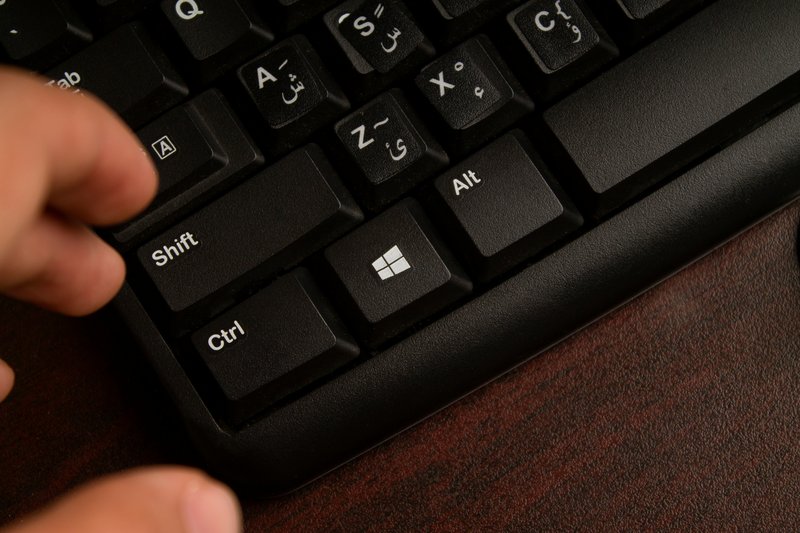
Contrast and alt text are not the only things that have to be built in rather than bolted on. A visitor who cannot operate a mouse moves through a page by keyboard alone: tab to go forward, shift-tab to go back, enter or space to activate whatever currently has focus. That only works if every interactive element, every link, button, and form field, sits in a tab order that matches what a sighted visitor would expect, and if a developer has left the browser's focus outline alone instead of turning it off for looking unpolished. That outline is the visual marker showing where keyboard focus currently sits. An overlay can add a keyboard-shortcut menu of its own. It cannot retroactively fix a page where a developer built three buttons with a styled <div> instead of an actual <button> element, because a <div> is invisible to the tab key no matter what script runs after the page loads. The fix for that has to live in the markup, because the tab key reads the markup, not whatever is floating above it.
The lawsuits followed the widget, not the reverse
This is the part that should reframe how a firm thinks about the icon. A site with no accessibility measures at all can plausibly claim it had not gotten to the issue yet. A site running a visible overlay widget has, by definition, already flagged the issue to itself and then paid for something that did not resolve it at the markup level. UsableNet's count, one in four tracked ADA cases naming an overlay-running site, is consistent with that pattern: the widget is not hidden, it is often the first thing a visitor, or a plaintiff's investigator, sees on the page, and it is now a signal that nobody actually fixed the underlying HTML.
Hardcoded means the fix lives where the barrier lives
The alternative is not a better widget. It is building the page correctly the first time: real heading tags in the right order, alt text someone wrote after reading the image and knowing what it shows, form fields with actual labels tied to them, buttons that are actually buttons, and color combinations checked against the WCAG 2.1 AA contrast ratio, 4.5 to 1 for normal text and 3 to 1 for large text, checked against the exact colors in the stylesheet rather than left to a slider a visitor first has to find and turn on. None of that is a script sitting on top of the page. It is the page. A screen reader parsing that markup finds the same structure a sighted visitor sees, and a keyboard finds every element in the order it appears in the markup, because there is only one version of the page, not a base layer and a patch trying to catch up to it after the fact.
The firm that skipped the widget and built the markup correctly does not have an icon in the corner announcing that accessibility was a problem it tried to solve after launch. It has a site where the fix and the barrier occupy the same document, because there was never a second layer for the fix to live in. That is the difference between a compliance gesture a plaintiff's attorney has learned to look for, and a site that was never on the list to begin with.
Every site Odba builds ships WCAG 2.1 AA compliance hardcoded into the markup at build time, not bolted on with a widget after launch. There is no overlay to point to, because there is nothing left for one to patch.
Source: UsableNet 2024 Year-End Report — one in four ADA digital-accessibility lawsuits tracked named a site running an accessibility overlay widget.
More in Web & Design